Filters |
  
|
Filters |
|
Filters are used to enhance photos and apply creative effects and artistic styles with a single click or adjustment.
Filters can be applied by selecting the items in the Filters menu.
There are the following categories of filters:
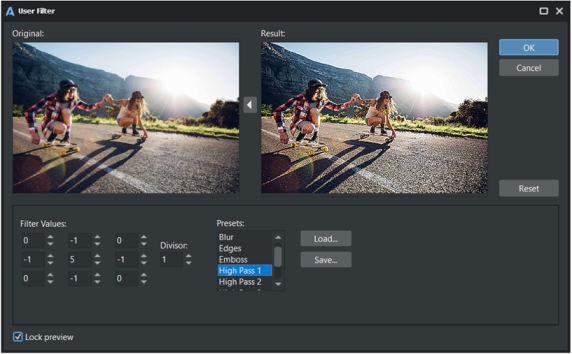
Create your own filter based on custom values. Save and load the preset.
Allows you to use third-party 8bf filters. .8bf format is a Photoshop Filter Plug-in file. You can find free or purchase commercial plugins, and put into the following folder:
Documents\AlterPhoto\filters_x64.
Lens Correction
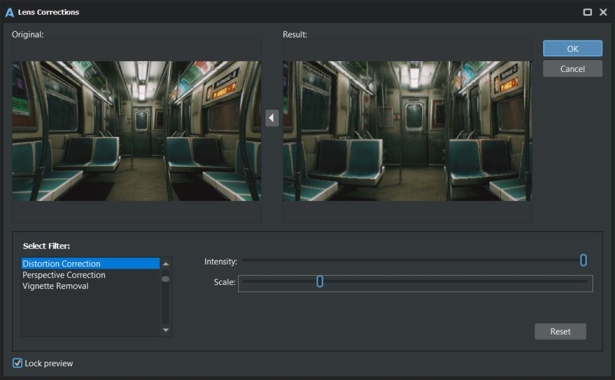
These filters help you correct distortions and other imperfections caused by camera lenses. These filters can remove barrel or pincushion distortion, correct vignetting (darkening of the corners), and fix perspective distortions (that is not actually caused by camera lenses).
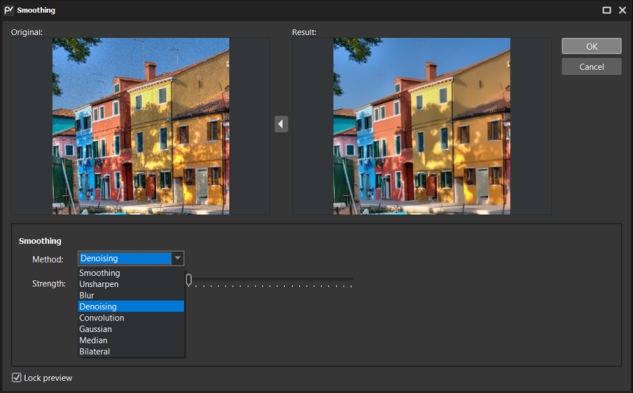
Provides few methods for removing noise from the photo, for smoothing, unsharpen, blur etc.
Allows you to add sharpness to your photo.
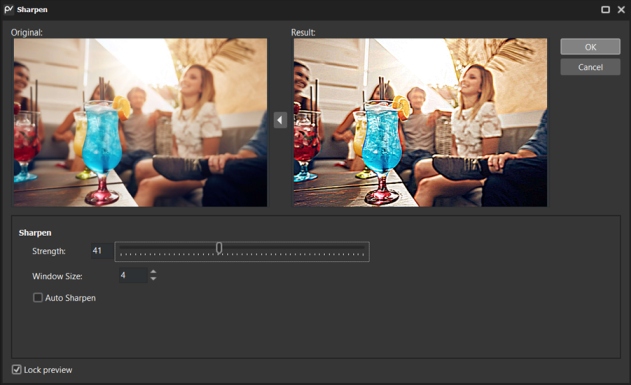
Allows you to add a shadow to an image (at the image level, not the layer level).
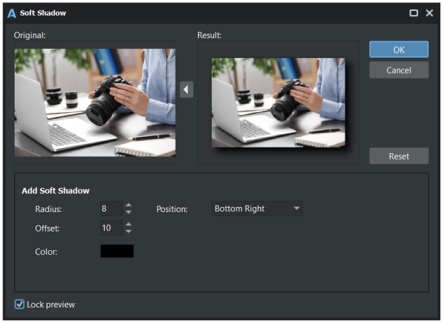
Includes several filters that apply different distortion effects to your image.
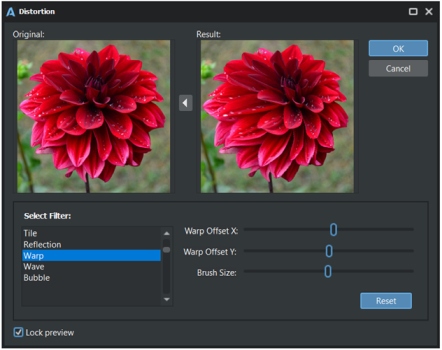
Contains several filters that imitate drawing techniques.
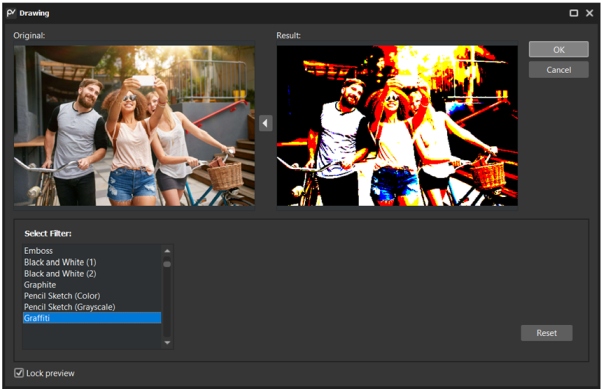
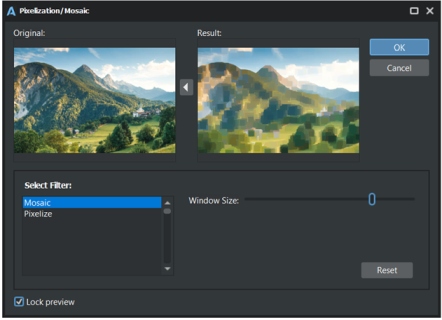
Includes two filters: Mosaic and Pixelization:
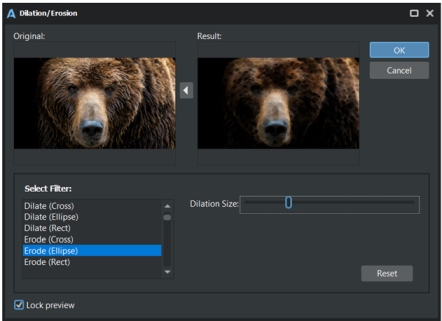
Filters which can add dilation and erosion effects to your photo.
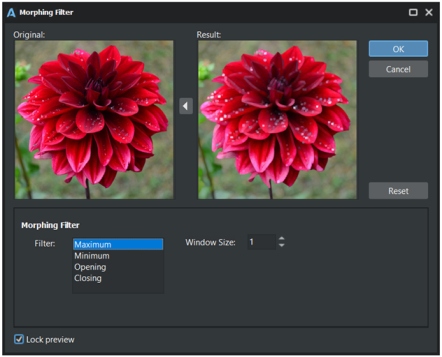
4 morphing filters: Maximum, Minimum, Opening, Closing.
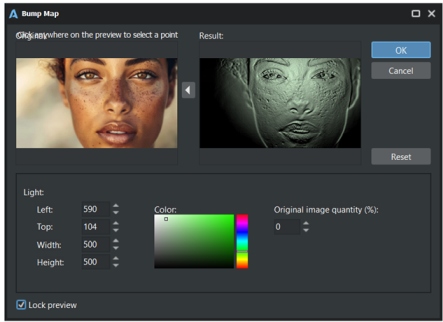
Carved effect on the surface.
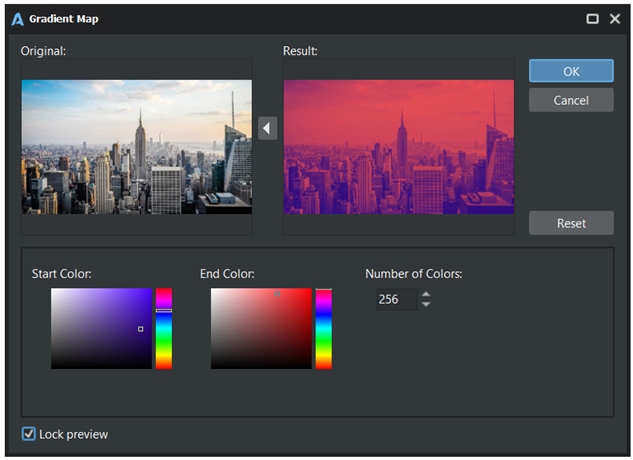
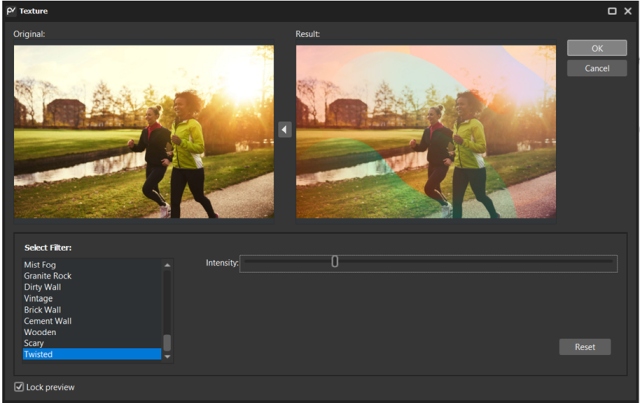
Applies texture to the photo.
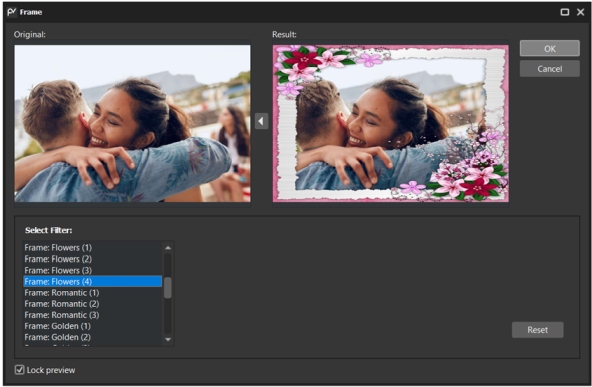
Adds frame to the photo.
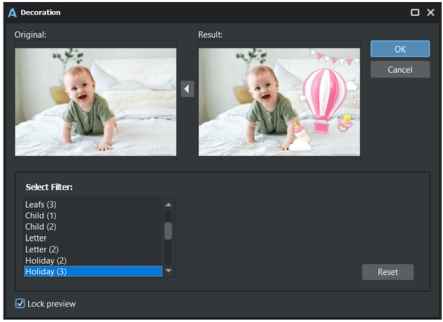
Adds various decorations to the photo.
The full list of filters in the Filter Browser:
1.Inner Shadow;
2.Soft Shadow (1);
3.Soft Shadow (2);
4.Blur;
5.Edge;
6.Emboss;
7.Lens Distortion Correction
8.Perspective correction
9.Vignette removal
10.Auto-Sharp;
11.Mosaic;
12.Black and White (1);
13.Black and White (2);
14.Dispose Channels;
15.Dilate (Cross);
16.Dilate (Ellipse);
17.Dilate (Rect);
18.Erode (Cross);
19.Erode (Ellipse);
20.Erode (Rect);
21.Simple Sketch;
22.Feather Alpha Edges;
23.Fantasy Colors;
24.Lens;
25.Tile;
26.Rainbow;
27.Graphite;
28.Negative;
29.Pencil Sketch (Color);
30.Pencil Sketch (Grayscale);
31.Graffiti;
32.Pixelize;
33.RadialStretch;
34.Reflection;
35.Sharpen;
36.Warp;
37.Wave;
38.Old Paper;
39.Spilled Paint;
40.Dots;
41.Sakura (1);
42.Sakura (2);
43.Wall;
44.Leather;
45.Canvas;
46.Gradient;
47.Butterflies;
48.Butterflies (2);
49.Butterflies (3);
50.Leafs (1);
51.Leafs (2);
52.Leafs (3);
53.Rose;
54.Child (1);
55.Child (2);
56.Letter;
57.Letter (2);
58.Holiday (1);
59.Holiday (2);
60.Holiday (3);
61.Holiday (4);
62.Wedding (1);
63.Wedding (2);
64.Wedding (3);
65.Birthday (1);
66.Birthday (2);
67.Birthday (3);
68.New Year (1);
69.New Year (2);
70.New Year (3);
71.Corrugation;
72.Green Fabric;
73.Sun Rays;
74.Dirty Wall;
75.Vintage;
76.Brick Wall;
77.Cement Wall;
78.Wooden;
79.Scary;
80.Twisted;
81.Frame: Abstract (1);
82.Frame: Abstract (2);
83.Frame: Abstract (3);
84.Frame: Abstract (4);
85.Frame: Abstract (5);
86.Frame: Abstract (6);
87.Frame: Film;
88.Frame: Leafs (1);
89.Frame: Leafs (2);
90.Frame: Leafs (3);
91.Frame: Flowers (1);
92.Frame: Flowers (2);
93.Frame: Flowers (3);
94.Frame: Flowers (4);
95.Frame: Romantic (1);
96.Frame: Romantic (2);
97.Frame: Romantic (3);
98.Frame: Golden (1);
99.Frame: Golden (2);
100.Frame: Golden (3);
101.Frame: Golden (4);
102.Frame: Golden (5);
103.Frame: Children (1);
104.Frame: Children (2);
105.Frame: Colorful (1);
106.Frame: Colorful (2);
107.Frame: Colorful (3);
108.Frame: Picture (1);
109.Frame: Picture (2);
110.Frame: Picture (3);
111.Frame: Abstract (7);
112.Frame: Abstract (8);
113.Frame: Abstract (9);
114.Frame: Abstract (10);
115.Retro Paper;
116.Creased Paper;
117.Textile;
118.Colorful;
119.Clouds;
120.Flame;
121.Grunge (1);
122.Grunge (2);
123.Dirty;
124.Retro Wall;
125.Snow Flakes;
126.Wood;
127.Bricks;
128.Panels;
129.Broken Glass;
130.Crack;
131.Film Grain;
132.HoneyComb;
133.Water Drops;
134.Rain;
135.Mist Fog;
136.Granite Rock.